Browser editors
A product image editor inside the inSales admin, built in Vue
A full-screen Vue editor where merchants build product infographics with templates and AI tools. Used by 3,000+ active inSales clients, with 800+ AI operations a day.
- 3,000+ active inSales clients use the editor, according to product analytics
- 800+ AI operations a day in the editor, including background removal and text generation
- 2–3 min to apply one set of edits to 10 product images with bulk transfer, instead of 5–10 min by hand
- 2 production contexts for one editor component, product images and the visual site editor
Today, the tool is actively used by around 3,000 users.
- My role
- Frontend owner of the product UI, editor integration and API contracts
- Period
- Mar 2025 – Sep 2026
- Skills
On this page
The problem
inSales is an e-commerce SaaS platform, and every product card has a media gallery. Until this project, the only editing tool there was a CropperJS dialog: a merchant could crop a photo and nothing else. Infographics with a headline, badges and a clean background had to be made elsewhere and uploaded again.
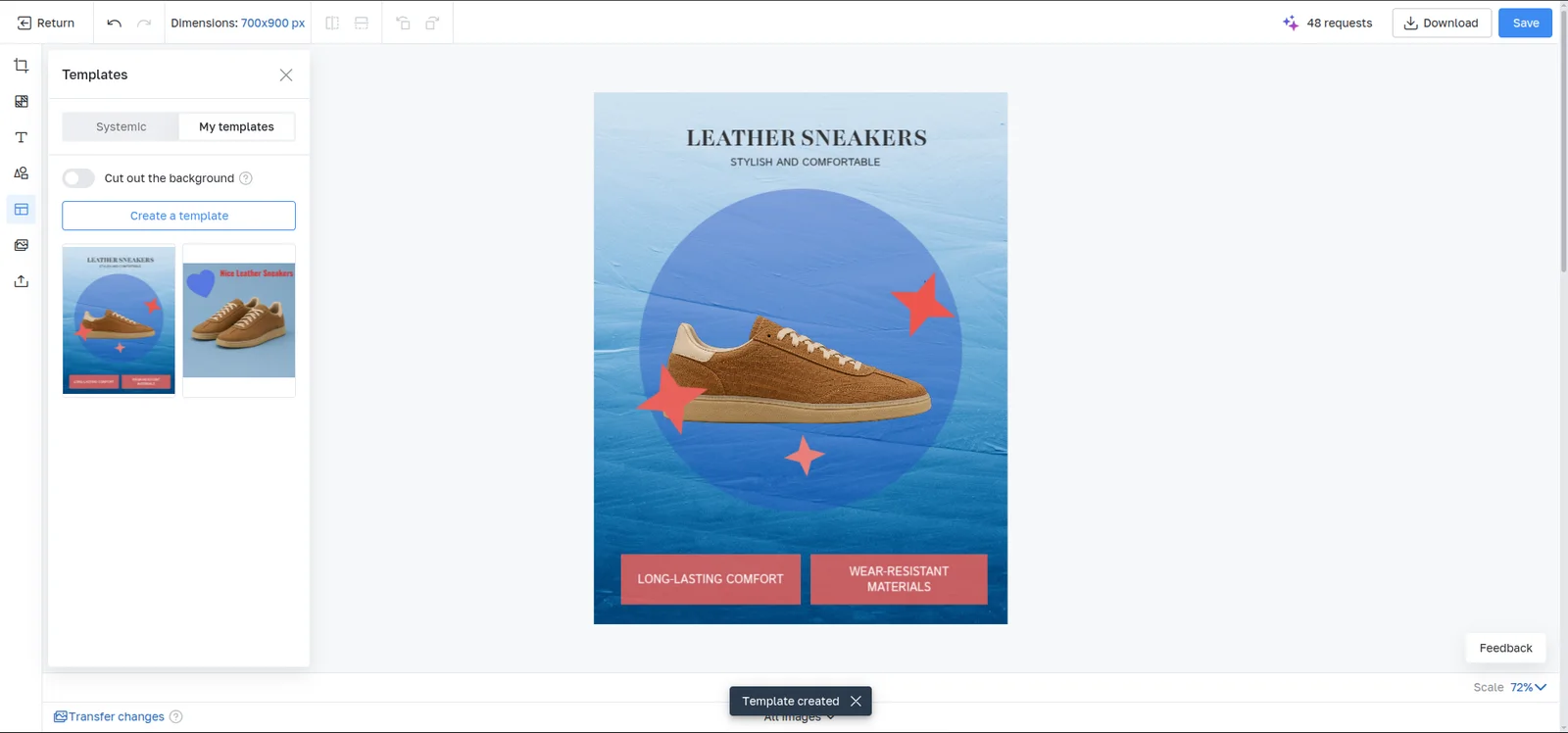
The goal was an editor that opens from the product card and covers the whole job: compose the image, use AI where it saves time, keep the project editable, and put the finished image back into the catalogue.
My role
I owned the frontend of the product. I designed the architecture of the Vue application, implemented the prepared Figma designs, integrated the canvas library, and agreed the API contracts with the backend engineer, who built the server side. I also wrote technical specs and QA scenarios, added Mixpanel tracking for AI actions, and prepared notes for the support team. I worked with a product manager, a designer, the backend engineer and a QA engineer.
The canvas itself runs on my separate TypeScript/FabricJS library. This case is about the product built on top of it: panels, dialogs, server workflows, limits, errors and everything that happens between a click and a saved product.
What I built
Two saves, two states
Saving an image has two boundaries. The merchant presses Save in the editor and then has to save the product card itself. If they close the card without saving, the new picture is discarded, and the editable project behind it must not replace the one that matches the published image.
I worked out a model with two states together with the backend engineer. Editor Save creates a new image version and stores its project as draft_state. Saving the product card promotes that draft to origin_state. The editor always opens the confirmed state, so an abandoned edit never overwrites work the merchant actually published.
Splitting the root component by workflow
As features arrived, the root dialog grew to about 3,500 lines. I split it into 22 composables grouped by responsibility: session and runtime, image lifecycle, canvas workflows, templates, AI and batch transfer.
The hard constraint was that two editors can exist at once: the visible one and a hidden one used for bulk transfer. Each composable works with a specific editor session: the visible editor reuses one, and batch transfer creates its own for the hidden editor. A background job cannot change what the merchant sees.
Long-running saves and AI actions
Saving is a pipeline, not one request: export, size check, chunked upload for files over 10 MB, server processing with polling, a final URL, and replacement in the product gallery. It takes about 5–10 seconds, and during that time the editor is locked so the merchant cannot edit a version the server is still processing.
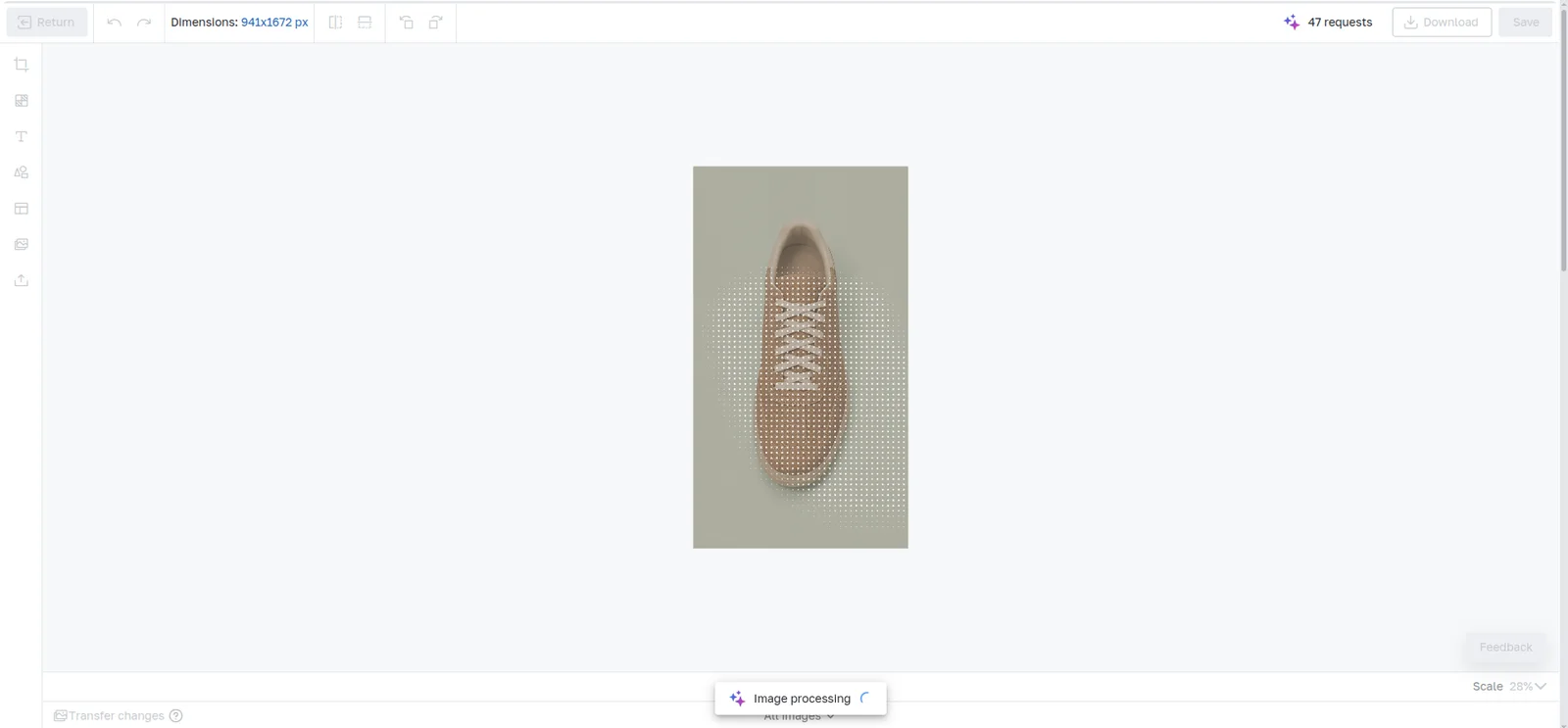
AI actions follow the same pattern. Vue pauses editing, shows progress on the image, polls the server, then swaps in the result with the same size and position and updates the remaining request balance. The text prompt resets when the selection changes, so a prompt meant for one text box cannot land in another.
Bulk transfer to up to 10 images
A merchant can design one image and apply the composition to up to 10 other product photos, optionally cutting out their backgrounds. For each target, a hidden editor applies the source dimensions, restores the composition, saves both the editable project and the final image, and is cleared before the next one.
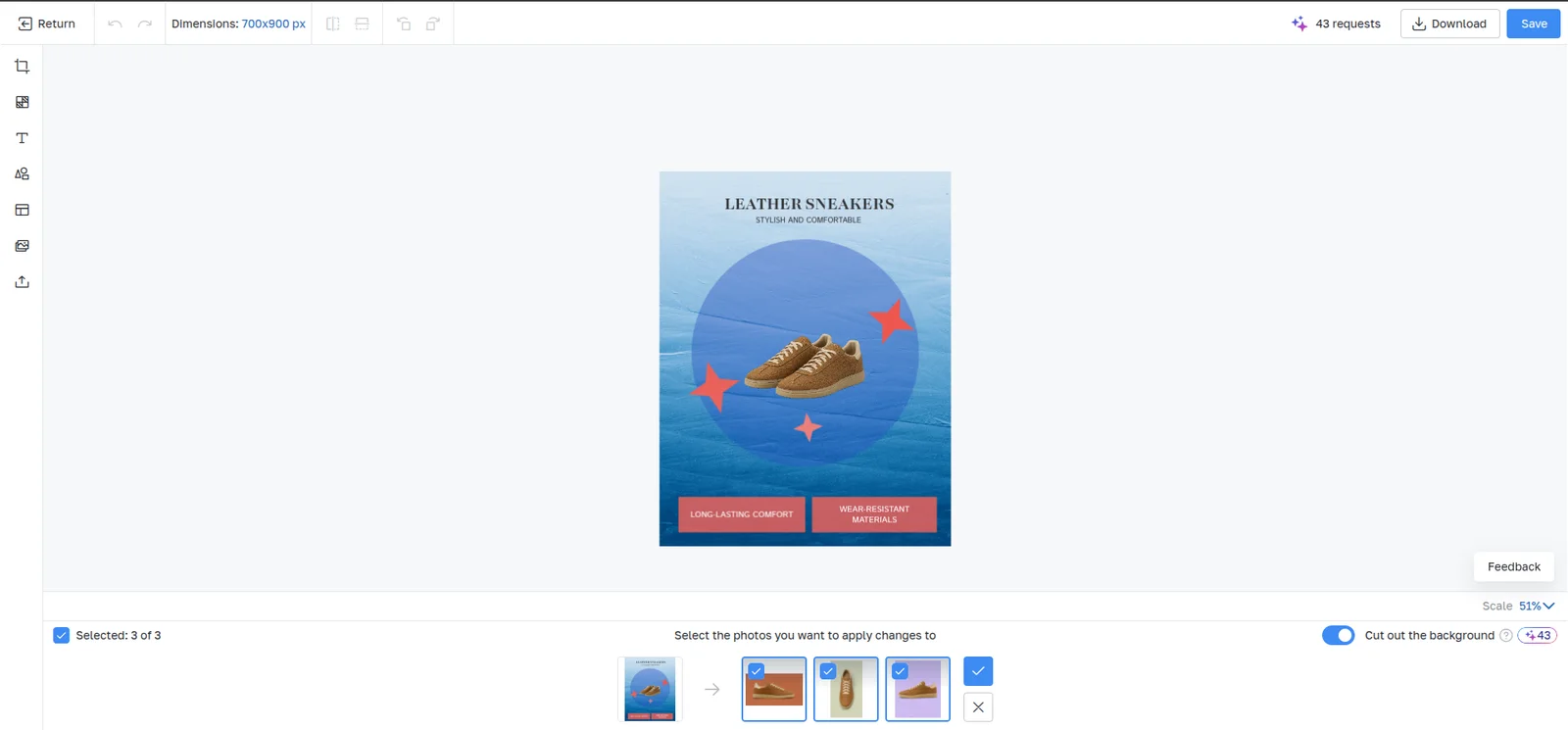
Cancelling had to be safe: if an image is mid-processing, the queue stops only after that image finishes, so the running image is not interrupted halfway. If the source composition changes after the merchant starts picking targets, transfer mode closes rather than applying an outdated state.
One editor, two hosts
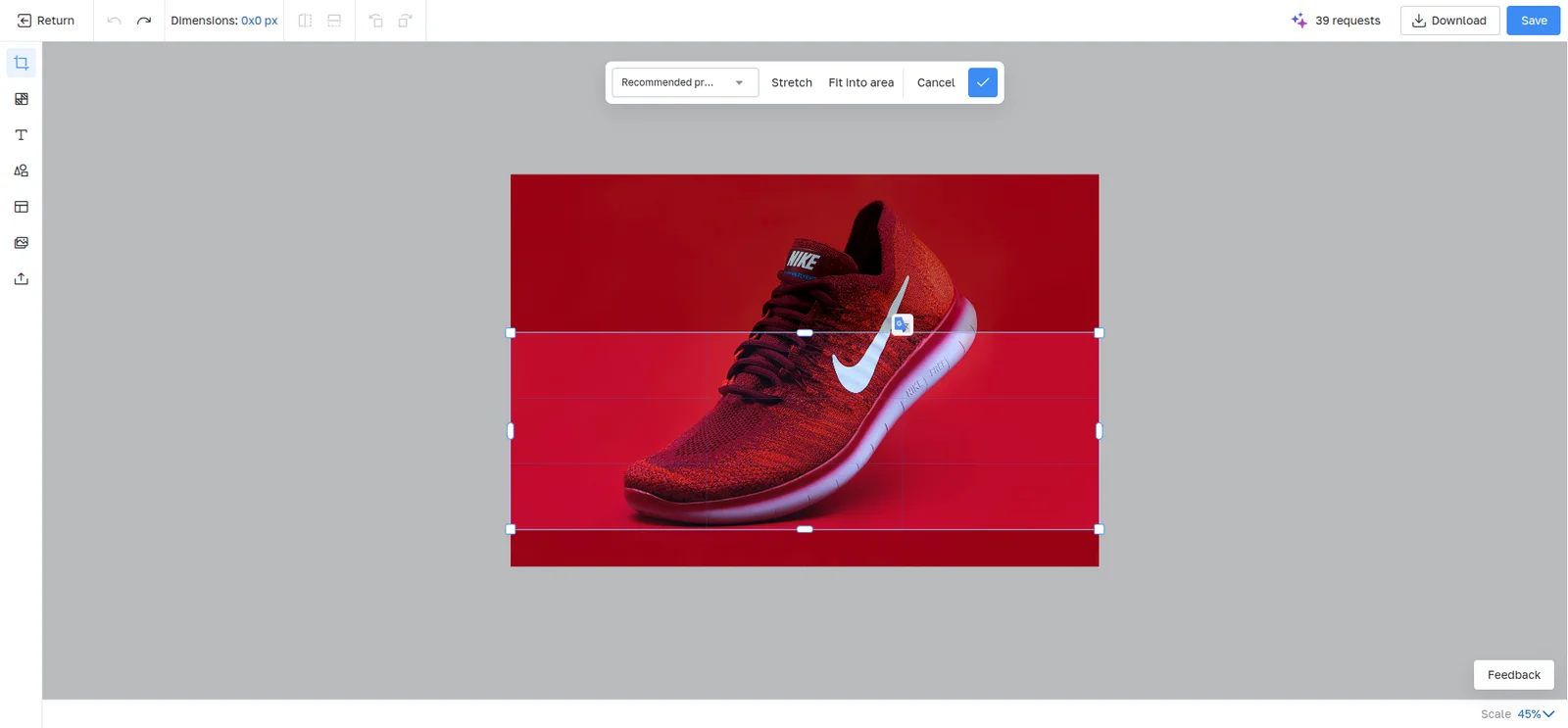
The editor started tied to the product media entity. To reuse it in the visual site editor, I moved product logic out of the component. Each host now passes the entity type, normalized image data, available images, a save handler and recommended crop ratios. The site editor mounts a single dialog instance at the top level, and features depend on context: text generation from product data stays in the product card, while a site edit saves a new file and leaves the original untouched.
Results
- More than 3,000 active inSales clients use the editor, according to product analytics.
- The editor handles 800+ AI operations a day: background removal in fast and accurate modes, upscaling and text generation.
- Applying one set of edits to 10 images took 5–10 minutes by hand and takes 2–3 minutes with bulk transfer, which shipped in July 2026.
- Since September 2026 the same component also edits images in the visual site editor, so one editor serves two production workflows.
Where to try it
The editor is desktop-only by design: it was tested in Chrome, Firefox and Safari on Windows and macOS, and the entry button is hidden on mobile. Anyone can try it: create an inSales account, add a product, upload an image and open the editor from the product card on a desktop browser. Without an account, you can try the open-source engine it runs on: open its live demo or read the source code on GitHub.